Multi-Factor Authentication
Multi-factor authentication, or two-factor authentication, is a form of security where a second layer of protection is added to your login information. Your password itself is a method of authentication. But it’s not as secure on its own as it could be; hackers have developed many methods of stealing your password. Increasingly, news articles are surfacing about data breaches. In a data breach, a hacker gains access to a company server that houses sensitive information such as your username and password.
When a hacker gets your login information, they can log into your account! Then they are free to do as much damage as they please. This is where multi-factor authentication comes into play. When you have multi-factor authentication, you must provide your password AND a code to log in. So even if a hacker has your password, they still won’t have your code, blocking them from accessing your account. Multi-factor authentication is available for most sites, and you may be using it already. If you log into an account and you have to enter a code that is sent to you by email or text message, that is an example of multi-factor authentication.
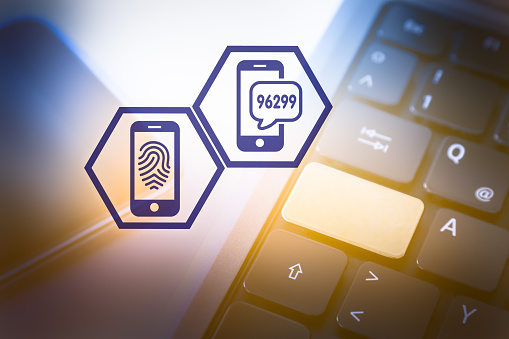
How do you turn on multi-factor authentication? Well, most accounts offer this feature through security settings. If you have a question about a specific account, you can reach out to the support department or contact us for help setting up multi-factor authentication.

Good security is achieved from a layered approach, and using another factor of authentication to your account is a great way to do that. The dark web is filled with usernames and passwords that can be purchased for as little as fifty cents! If your password is swiped, multi-factor authentication will stop a hacker from getting into your account.



0 Comments